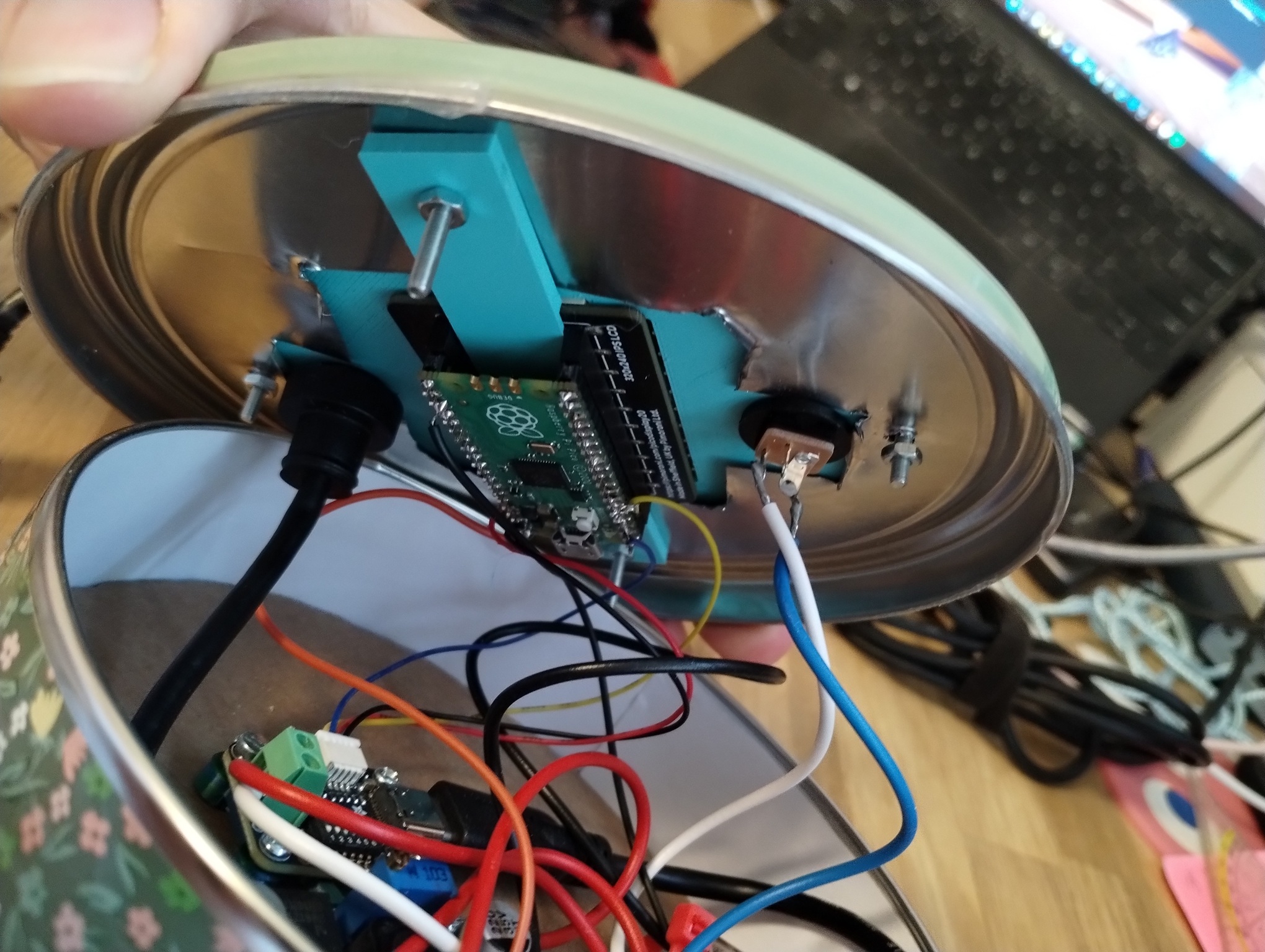
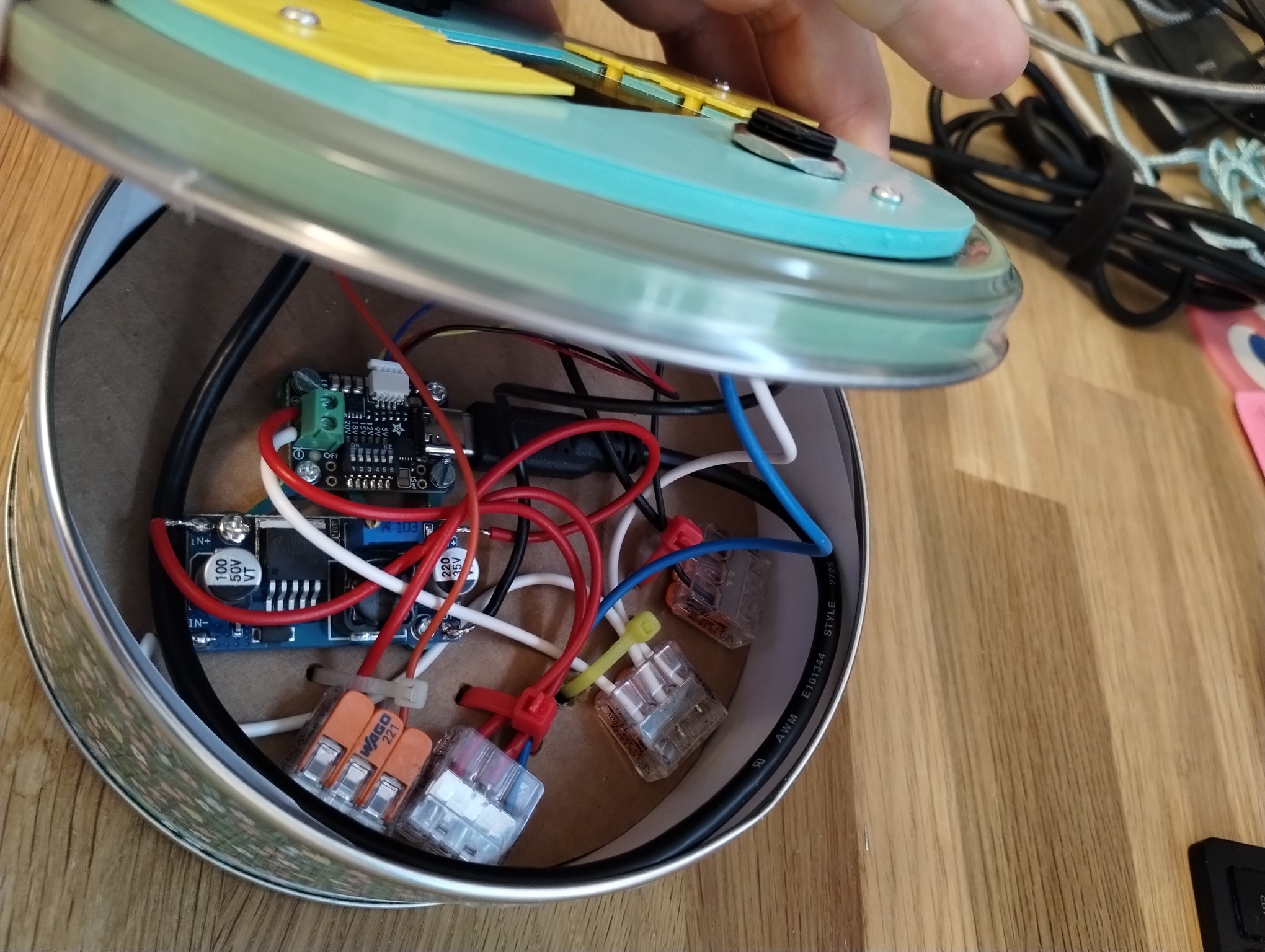
usb-pd-supply
USB-C cable goes in, DC barrel 2.1mm connector goes out. The output voltage is selectable (depends on the Power Delivery profiles your power supply supports).
hardware
-
Raspberry Pi Pico 1 https://www.raspberrypi.com/products/raspberry-pi-pico/
-
Pimoroni Pico Display Pack 2.0 https://shop.pimoroni.com/products/pico-display-pack-2-0?variant=39374122582099
-
Adafruit USB Type C Power Delivery Dummy - I2C or Switchable - HUSB238 - STEMMA QT / Qwiic https://www.adafruit.com/product/5991
-
LM2596S DC-DC power supply adapter step down module https://www.az-delivery.de/nl/products/lm2596s-dc-dc-step-down-modul-1
-
USB-C Panel connector https://www.adafruit.com/product/6069
-
DC Barrel Jack Panel connector https://www.digikey.com/en/products/detail/cliff-electronic-components-ltd/FC681473/20532443
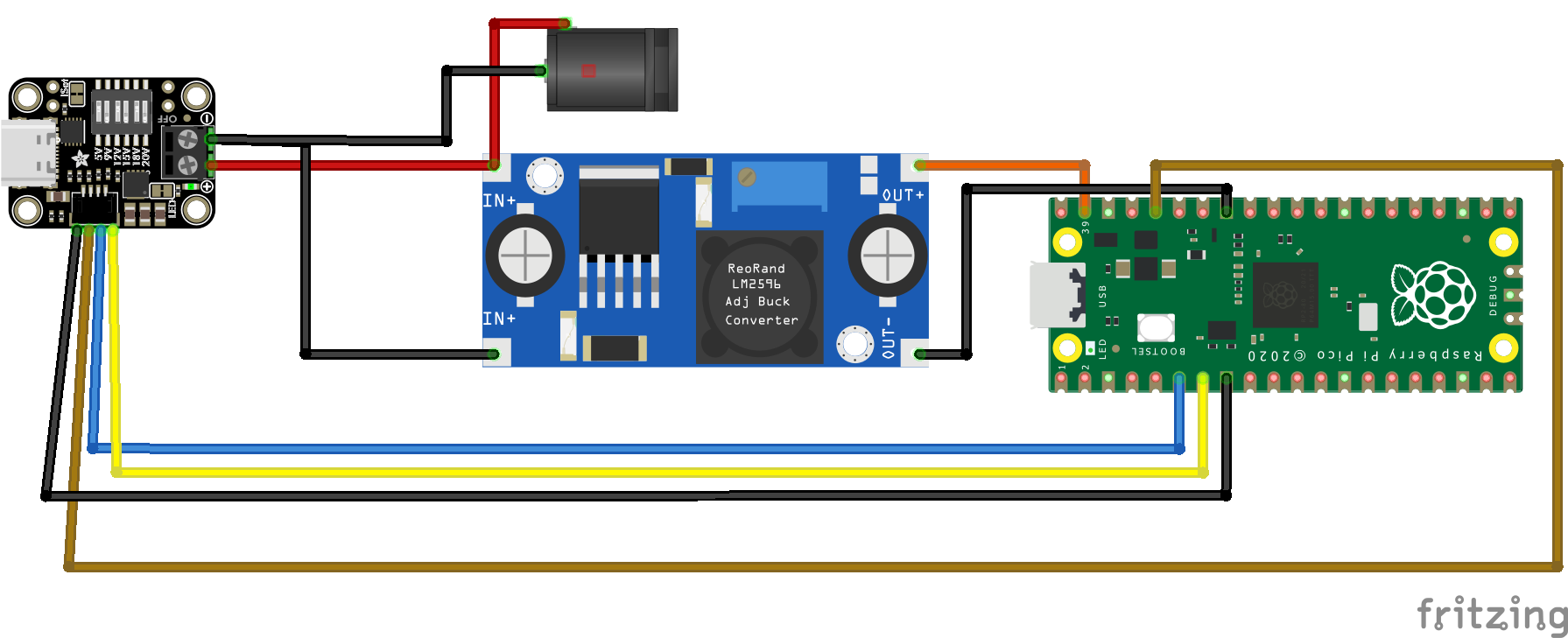
The output of the HUSB238 is connected to the input of the LM2596S to get a stable voltage of about 4V (set through the trimpot). This 4V voltage is used to power the Pico through its GND and VSYS pins (pins 33 and 39).
The I2C of the HUSB238 is connected to Pico pins 6 (SDA) and 7 (SCL).
Software
It’s an Arduino project using platformio. It uses Adafruit libraries to connect to the HUSB238 and the display boards.
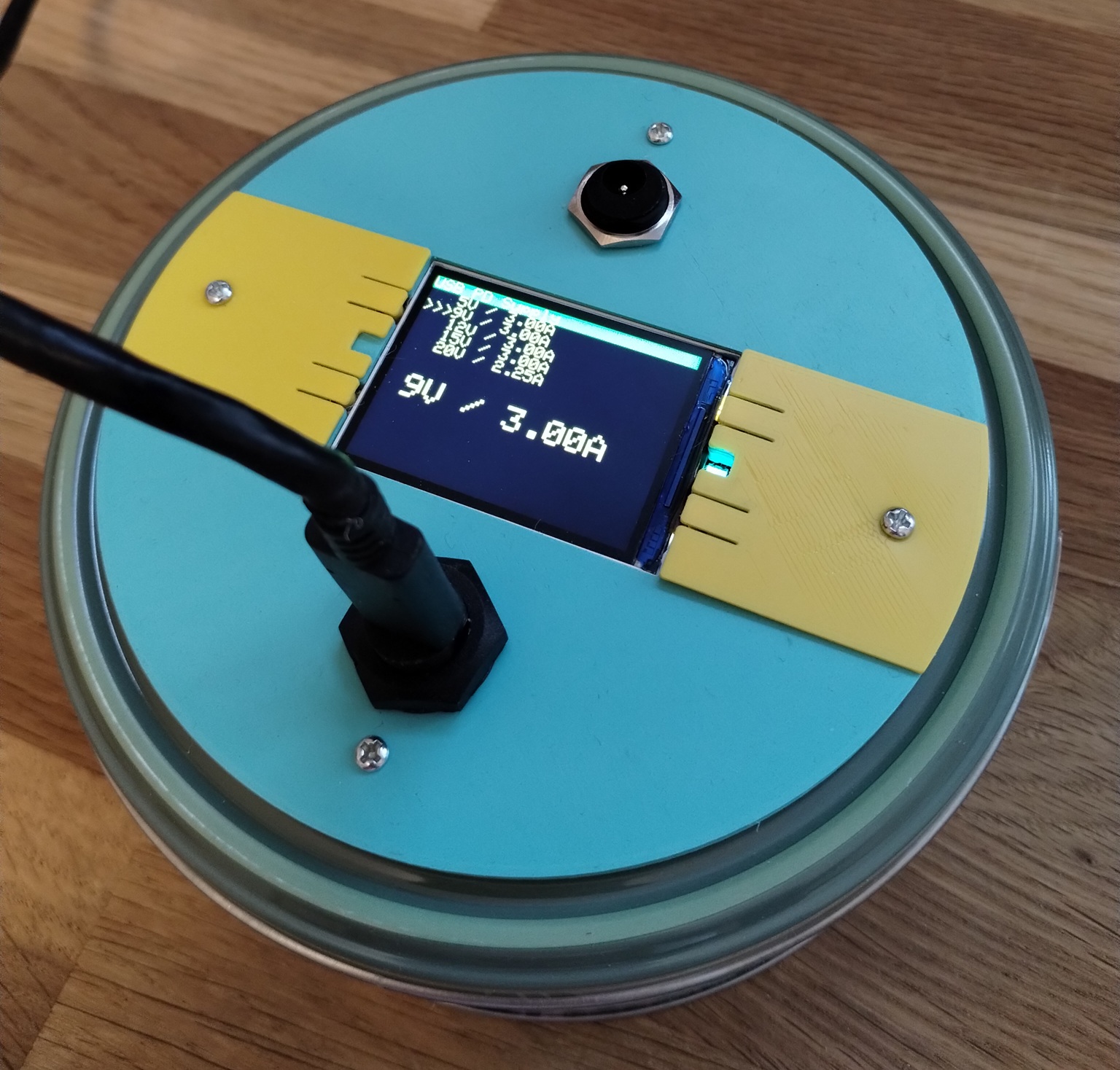
The software will show a list of voltages and the available current. Via the buttons on the display board the user can select the desired voltage.
Cad
Cad files are available here:
-
a Fritzing sketch
-
the start of an enclosure project USB PD Supply v1.f3z which I abandoned
-
a finished "round box" enclosure. It’s simply a plate to put on top of the lid of a Danish Cookies tin, and an extra plate to hold the display in place.